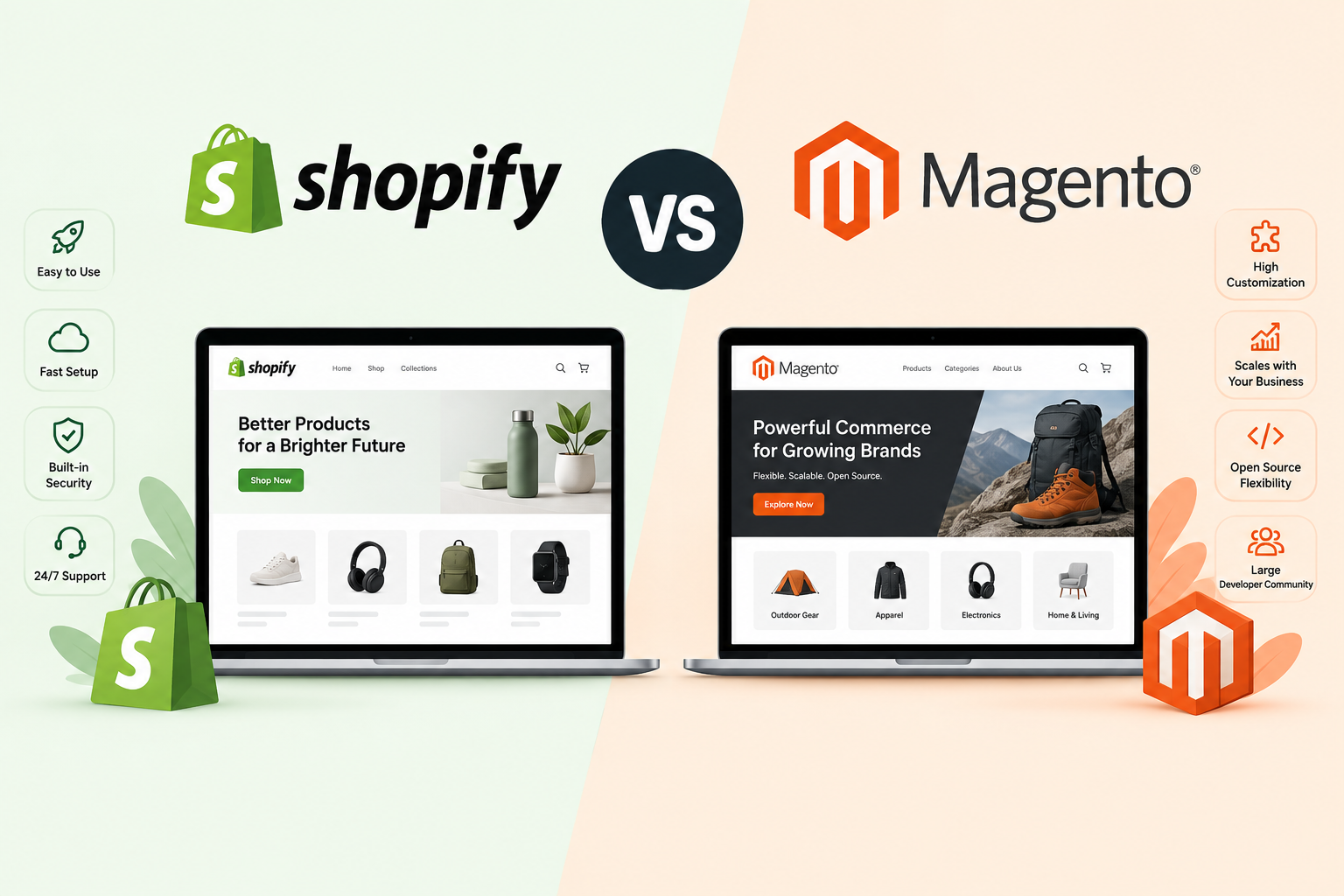
Yes - complex ERP and CRM systems can be migrated safely, even for large enterprise ecommerce brands, but only when the migration is planned around workflows and data relationships, not just data transfer. The risk businesses fear usually comes down to execution, not the platform itself. Here are the 7 practices we follow at XgenTech to migrate ERP and CRM systems to Shopify Plus without disrupting operations.
As ecommerce businesses scale, their ERP and CRM systems become deeply tied to daily operations. Inventory management, customer records, order syncing, fulfillment workflows, sales reporting, loyalty programs, and marketing automation often depend on these systems functioning flawlessly together.
This is especially true for fast-growing and enterprise ecommerce brands where even a small migration error can lead to operational delays, inventory mismatches, reporting inaccuracies, or customer experience issues.
Because of this, many businesses hesitate to migrate platforms altogether, fearing disruption to critical backend systems - but that risk usually comes down to execution, not the platform itself. Comparing experienced Shopify migration partners upfront is one of the most effective ways to de-risk an ERP- or CRM-heavy migration.
But successful enterprise migrations require much more than simply moving data from one platform to another. They require careful planning, system mapping, operational alignment, and extensive testing.
What Are the Best Practices for Migrating Complex ERP and CRM Systems Safely?
Here are some of the most important best practices enterprise brands should follow when migrating complex ERP and CRM ecosystems safely:
1. Audit Every Existing Workflow Before Migration
One of the biggest mistakes enterprise brands make is assuming they fully understand their own operational workflows. Over time, ERP and CRM systems become layered with:
-
Custom automations
-
Manual workarounds
-
Legacy integrations
-
Department-specific processes
-
Unofficial dependencies
Before migration begins, businesses should conduct a full operational audit to document:
-
How orders flow across systems
-
Which teams rely on which data
-
What triggers automated actions
-
Which integrations are business-critical
-
Where manual intervention still exists
Many migration issues happen not because systems fail, but because undocumented workflows get overlooked during the transition.
2. Migrate Only the Data You Actually Need
Enterprise brands often accumulate years of duplicated, outdated, or low-quality customer and operational data. Migrating unnecessary data increases:
-
Complexity
-
Migration timelines
-
Validation requirements
-
Risk of inconsistencies
Instead of blindly transferring everything, businesses should:
-
Clean customer records
-
Remove inactive or duplicate data
-
Archive outdated orders where appropriate
-
Standardize naming conventions
-
Review SKU and catalog structures
Migration is often the best opportunity to simplify and modernize operational architecture instead of carrying old inefficiencies into the new system.
3. Rebuild Integrations Intentionally Instead of Replicating Legacy Setups
Many enterprise ERP and CRM ecosystems evolve over years and become unnecessarily complicated. A common mistake during migration is trying to recreate every integration exactly as it existed before, even when some workflows are outdated or inefficient.
Instead, brands should evaluate:
-
Which integrations are still valuable
-
Which workflows can now be automated differently
-
Whether multiple tools can be consolidated
-
Whether newer native integrations are available
Migration should not just preserve operations. It should improve them. This is especially important for brands moving from legacy ecommerce systems to Shopify Plus, where modern APIs and automation capabilities often reduce operational complexity significantly.
4. Prioritize Data Mapping and Relationship Integrity
For enterprise brands, migration is rarely just about moving records. It is about preserving relationships between systems. For example:
-
Orders linked to customers
-
Customers tied to loyalty programs
-
Inventory connected to warehouse locations
-
Regional pricing linked to specific storefronts
-
Subscription histories connected to recurring workflows
Poor mapping can break operational continuity even if the raw data itself migrates successfully.
This is why enterprise migrations require detailed validation of:
-
Field mapping
-
Data hierarchy
-
Product relationships
-
Variant logic
-
Customer segmentation
-
Regional configurations
The larger the system, the more important relationship integrity becomes.
5. Test Edge Cases, Not Just Standard Workflows
One of the least discussed but most important enterprise migration practices is edge-case testing. Most businesses test:
-
Basic orders
-
Standard customer flows
-
Simple checkout scenarios
But enterprise operations often include highly specific situations such as:
-
Split shipments
-
Subscription modifications
-
Multi-currency refunds
-
Wholesale pricing logic
-
Regional tax exceptions
-
Complex return workflows
-
Warehouse routing rules
These operational edge cases are often where migrations fail silently. Enterprise brands should create detailed QA scenarios covering:
-
High-value customers
-
International orders
-
Discount stacking
-
Failed payments
-
Loyalty redemptions
-
Multi-market fulfillment
The goal is not just to test functionality. It is to test operational resilience.
6. Plan for Parallel Monitoring After Launch
A successful migration does not end at go-live. In fact, many ERP and CRM issues only surface once:
-
Real customer behavior begins
-
High order volumes return
-
Regional transactions increase
-
Marketing campaigns resume
Enterprise brands should maintain a parallel monitoring period after migration where:
-
Legacy system outputs are compared against new workflows
-
Inventory reconciliation is checked regularly
-
Customer sync accuracy is validated
-
Financial reporting discrepancies are monitored
This temporary overlap helps identify inconsistencies before they impact operations at scale. Many enterprise migrations become unstable because businesses shut down old systems too quickly without validating real-world operational continuity.
7. Align Technical Migration With Business Teams Early
ERP and CRM migrations are not purely technical projects. Marketing, finance, customer support, operations, fulfillment, and merchandising teams all rely on these systems differently. If these teams are excluded from migration planning, critical business workflows often get missed.
Successful enterprise migrations involve:
-
Cross-functional planning
-
Workflow validation by department
-
Internal training
-
Communication protocols
-
Ownership mapping for operational processes
The most successful migrations happen when technical execution and business operations are aligned from the beginning.
Conclusion
Complex ERP and CRM migrations can absolutely be executed safely, even for large enterprise ecommerce brands with sophisticated operational setups.
But successful migrations require much more than moving data between systems. They require careful planning, workflow understanding, operational testing, and long-term scalability thinking.
At XgenTech, we help fast-growing and enterprise ecommerce brands migrate to Shopify Plus while protecting operational continuity, customer experience, SEO performance, and backend workflows.
If you’re planning a migration and want to ensure your ERP and CRM systems transition safely, get in touch with our team to discuss your migration strategy.
Have an ERP or CRM system that touches every part of your operations? Talk to XgenTech before you scope your migration - we’ll flag the integrations most likely to break.