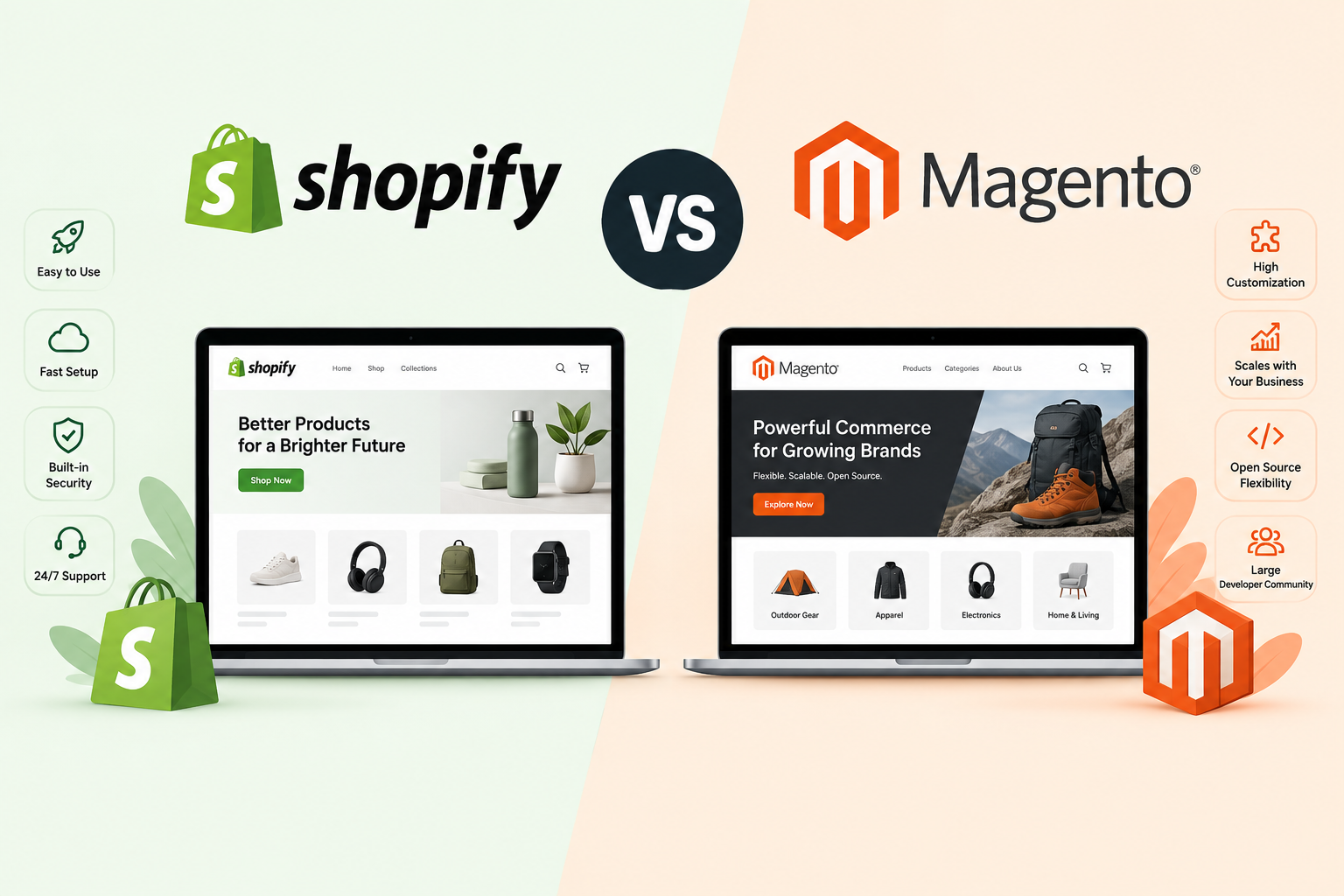
Migrating to Shopify does not have to cost you a single customer record or order, as long as you follow the right process. Fast-growing ecommerce brands often reach a point where their current platform starts limiting growth, and the #1 fear we hear before a replatform is “what if we lose our customer data?” With the right process, migrating to Shopify doesn’t have to put a single order or customer record at risk - here’s exactly how we protect it.
Fast-growing ecommerce brands often reach a point where their current platform starts limiting growth. The storefront becomes difficult to scale, customer experiences begin feeling fragmented, performance issues increase during traffic spikes, and operational complexity grows faster than the business itself.
The #1 fear we hear before a replatform is “what if we lose our customer data?” With the right process, migrating to Shopify doesn't have to put a single order or customer record at risk - here's exactly how we protect it.
Customer records, purchase history, subscriptions, loyalty data, fulfillment information, and order workflows are deeply connected to daily operations. Losing even a small portion of that information can disrupt customer experience, reporting accuracy, support workflows, and retention strategies.
The good news is that migrating to Shopify or Shopify Plus does not have to result in data loss. After handling migrations from platforms like Magento, WooCommerce, BigCommerce, and custom ecommerce stacks, we can confidently say that safe migrations are absolutely possible.
The key is not rushing the process and following the right Shopify migration practices from the beginning.
Why Is Migrating Customer Data Important?
Customer data is far more than just a list of names and email addresses. For modern ecommerce brands, it powers almost every aspect of the customer experience.
Purchase behavior, subscriptions, loyalty activity, support history, customer segmentation, personalization workflows, and marketing automation all rely on accurate customer records.
If customer data is incomplete, duplicated, or improperly mapped during migration, brands can face:
-
Broken customer accounts
-
Failed personalization workflows
-
Subscription disruptions
-
Inaccurate segmentation
-
Reduced retention performance
-
Customer support challenges
For fast-growing ecommerce businesses, preserving customer continuity is critical because repeat purchases and retention often drive a significant portion of long-term revenue.
Why Is Migrating Order Data Important?
Order data plays an equally important operational role during ecommerce migration.
Historical orders influence:
-
Customer support workflows
-
Refund and return management
-
Financial reporting
-
Inventory forecasting
-
Subscription history
-
Customer lifetime value calculations
Without accurate order migration, businesses can lose operational visibility and create friction for both customers and internal teams.
For enterprise ecommerce brands especially, preserving order history is important not only for operational continuity but also for compliance, analytics, forecasting, and long-term customer relationship management.
How Do You Avoid Losing Data During Shopify Migration? (7 Best Practices)
Here are some of the best practices we follow for eCommerce migration:
1. Audit and Classify Data Before You Migrate Anything
One of the biggest mistakes ecommerce brands make is trying to migrate everything exactly as it exists today. Over time, most businesses accumulate:
-
Duplicate customer records
-
Outdated addresses
-
Legacy order statuses
-
Inactive subscriptions
-
Inconsistent product relationships
-
Broken custom fields
Migrating poor-quality data at scale only increases migration complexity and operational risk. Before migration begins, brands should classify:
-
Critical operational data
-
Historical archive data
-
Redundant or inactive records
-
Customer segmentation structures
-
Subscription dependencies
Migration is often the best opportunity to clean and simplify years of accumulated operational complexity.
2. Preserve Relationship Integrity Between Systems
Migrating raw data alone is not enough. The real challenge is preserving relationships between different systems and records.
For example:
-
Orders connected to customers
-
Customers tied to loyalty programs
-
Subscription histories linked to recurring billing systems
-
Regional order logic connected to fulfillment workflows
-
Customer groups connected to pricing structures
If these relationships break during migration, the business may technically retain the data but lose operational continuity. This is why advanced migrations focus heavily on relationship mapping, not just CSV transfers.
3. Do Not Treat ERP, CRM, and Ecommerce Migration Separately
Many businesses migrate the ecommerce storefront first and then attempt to reconnect ERP or CRM systems afterward. This creates unnecessary risk.
Customer records, inventory, fulfillment workflows, and financial systems are all interconnected. Migrating them in isolation can create sync issues that are difficult to detect immediately. Enterprise brands should instead plan migrations holistically by mapping:
-
Customer data flow
-
Inventory synchronization
-
Order routing logic
-
Refund workflows
-
Marketing automation dependencies
-
Regional operational rules
The more connected the ecosystem becomes, the more important unified migration planning becomes.
4. Test Edge Cases Instead of Only Standard Orders
This is one of the most overlooked parts of enterprise ecommerce migration. Most brands test:
-
Normal customer orders
-
Standard checkouts
-
Basic customer accounts
But real ecommerce operations involve much more complexity:
-
Multi-currency orders
-
Subscription modifications
-
Split shipments
-
Discount stacking
-
Loyalty point redemption
-
Wholesale pricing
-
Partial refunds
-
International tax calculations
Many migration issues only appear in these edge-case workflows. Enterprise migration testing should include realistic operational scenarios across different markets, customer types, and fulfillment situations.
5. Freeze Operational Changes During Critical Migration Phases
One of the biggest causes of data inconsistency is continuing to make major operational changes while migration is actively happening. For example:
-
Updating catalog structures mid-migration
-
Changing fulfillment workflows
-
Launching new pricing models
-
Installing new apps
-
Adjusting customer segmentation logic
These changes can create synchronization mismatches between old and new systems. Successful enterprise migrations often involve temporary operational freeze periods where major backend changes are paused until core migration processes are validated.
6. Validate Data Through Parallel Monitoring After Launch
A successful launch does not automatically mean a successful migration. Many data inconsistencies only surface once:
-
Real customers begin placing orders
-
Subscription renewals trigger
-
Inventory updates start syncing
-
Refunds are processed
-
International workflows activate
This is why enterprise brands often maintain parallel monitoring for a period after launch. This includes validating:
-
Customer account behavior
-
Order synchronization
-
ERP reporting consistency
-
CRM segmentation accuracy
-
Inventory reconciliation
-
Subscription workflows
The goal is to identify small inconsistencies before they scale into operational problems.
7. Reevaluate Legacy Customizations Instead of Rebuilding Everything
Many ecommerce brands carry years of legacy customizations that no longer serve the business effectively. During migration, there is often pressure to recreate every workflow exactly as it existed before.
But this can introduce unnecessary complexity and increase migration risk. Instead, migration should be used as an opportunity to evaluate:
-
Which custom workflows are still necessary
-
Which automations can be simplified
-
Which integrations can be consolidated
-
Which operational processes can be modernized
Especially when migrating to Shopify Plus, many brands find they can significantly reduce operational overhead through better native workflows and modern integrations. Migration should not just preserve systems. It should improve them.
Conclusion
Customer and order data migration can absolutely be handled safely, even for large and complex ecommerce businesses.
But enterprise migrations require much more than exporting and importing spreadsheets. They require operational planning, relationship mapping, workflow testing, and long-term scalability thinking.
If your business is handling large customer datasets, subscription workflows, ERP integrations, or multi-market operations, it is usually far safer to work with experienced migration specialists instead of attempting a DIY migration.
At XgenTech, we help ecommerce brands migrate to Shopify and Shopify Plus while protecting customer data, operational continuity, SEO performance, and backend workflows.
Handling subscriptions, loyalty data, or multi-market orders? Get a free data-migration risk review from XgenTech before you set a launch date.
If you’re planning a migration and want to ensure your data stays protected throughout the process, get in touch with our team.